How to Deposit Money in Quotex
Fund your Quotex Deposit from India using UPI, PhonePe, Paytm, Google Pay, IMPS, USDT crypto, or international cards. Step-by-step instructions with screenshots, fees, and insider tips for Indian traders in 2026.

All Quotex Deposit Methods Available
Compare every deposit option available for Indian traders side by side processing time, total costs, and which method is best for your situation.
Complete Quotex Deposit Method
Select your preferred payment method below and follow the exact steps tailored for Indian traders. All methods tested and verified as of 2026.
UPI / PhonePe / GPay & Paytm
Step 1: Log In and Navigate to Deposit Section. Log in to Quotex and tap the green Deposit button at the top right of your dashboard to access the payment method selection page.
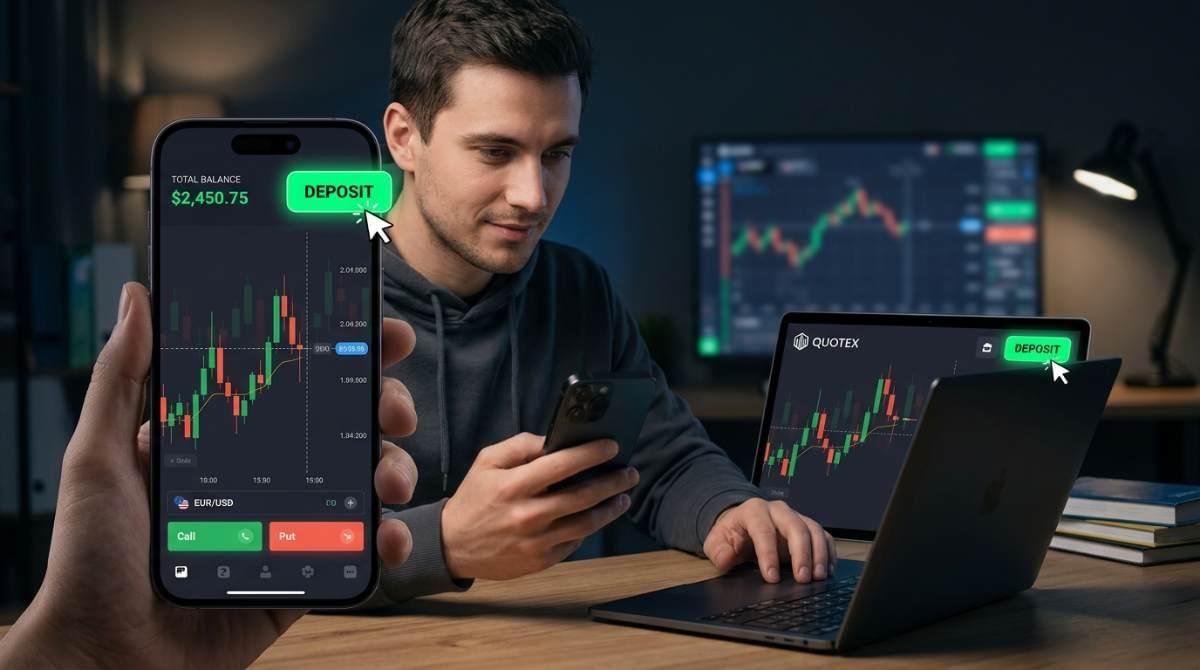
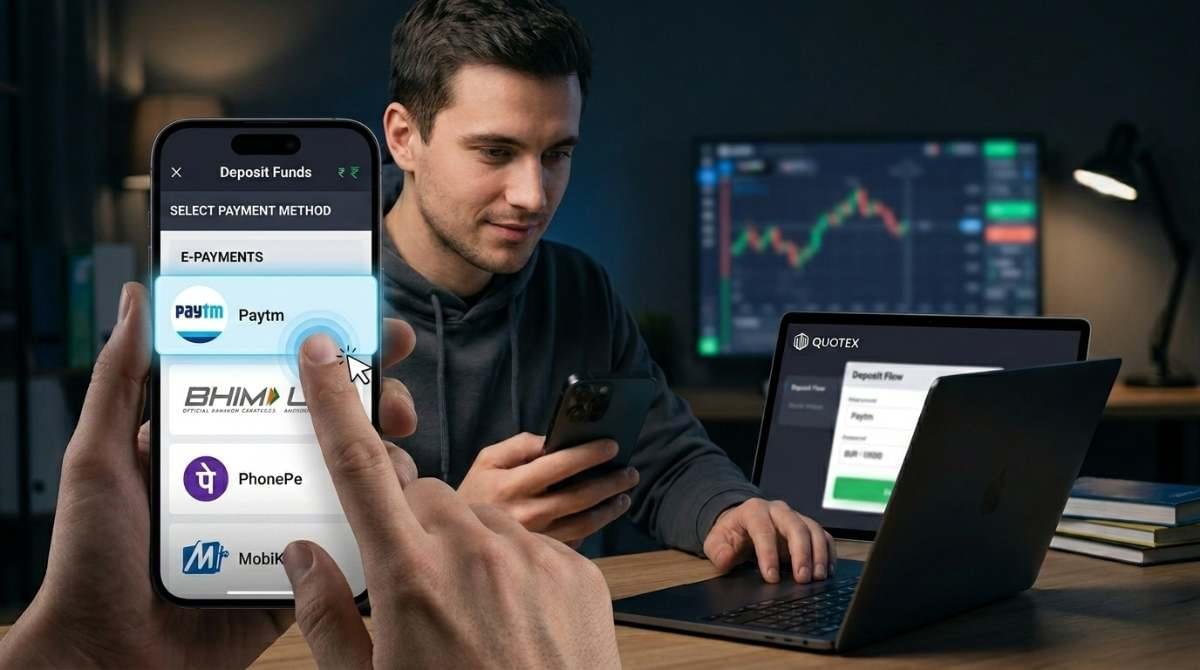
Step 2: Select E-Payment and UPI / PhonePe / GPay & Paytm. In the deposit methods list, scroll to the E-Payment section and select Paytm or UPI. If Paytm is not listed, choose UPI option as it works with PhonePe, GPay, and Paytm UPI addresses.
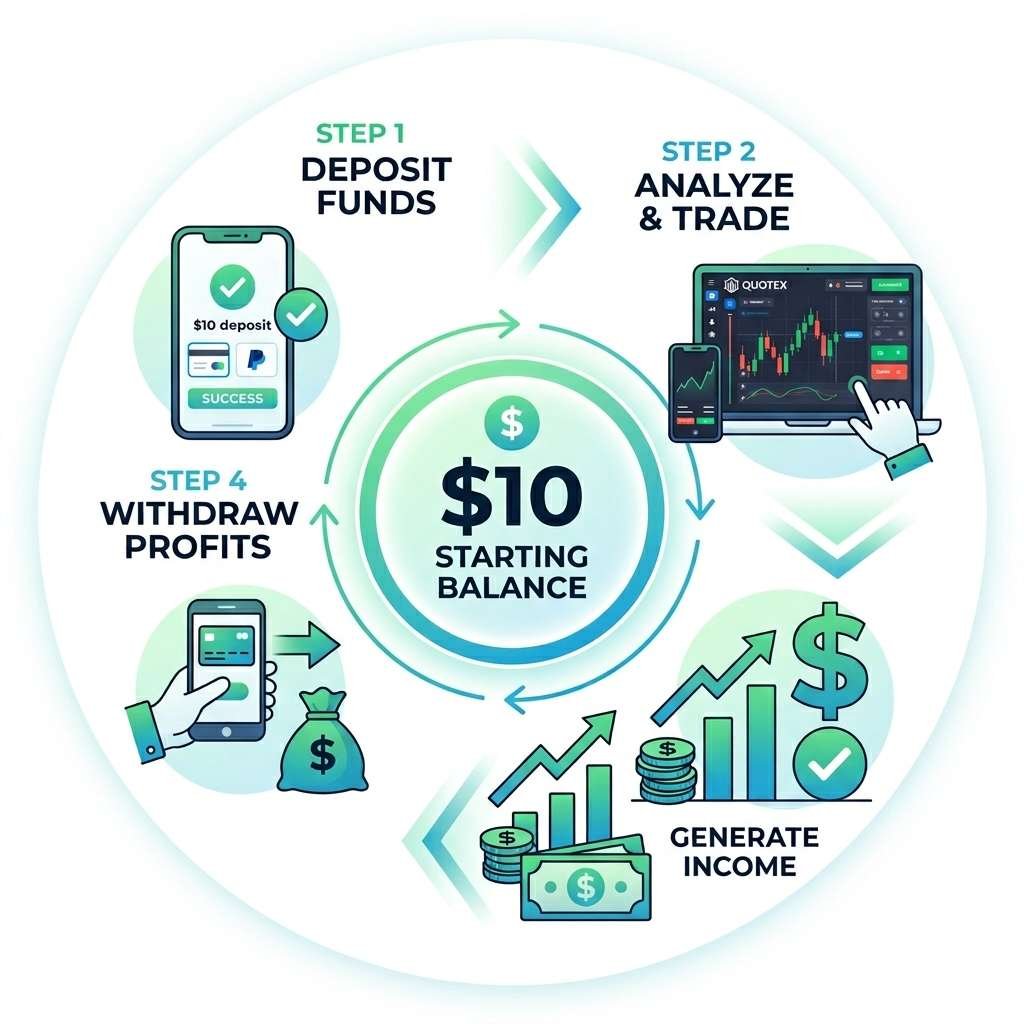
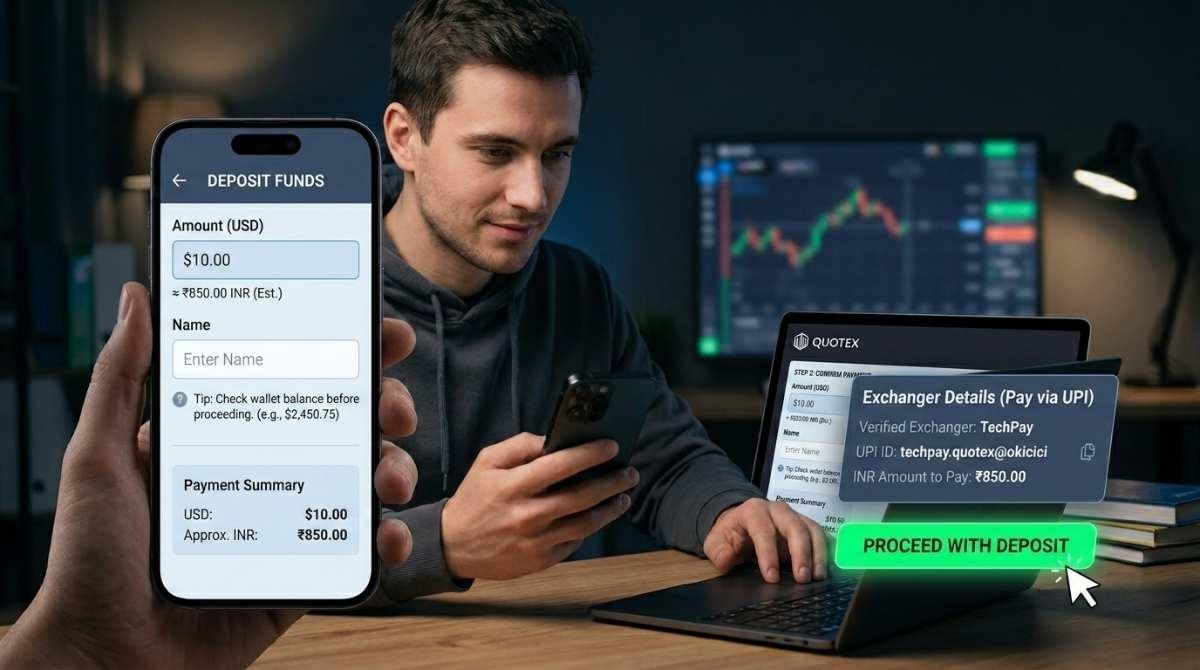
Step 3: Enter Amount and Submit Deposit Request. Enter the amount in USD (minimum $10 = ₹850) and your full name. Tap Deposit to generate the exchanger payment details including UPI ID or Paytm number and exact INR amount.
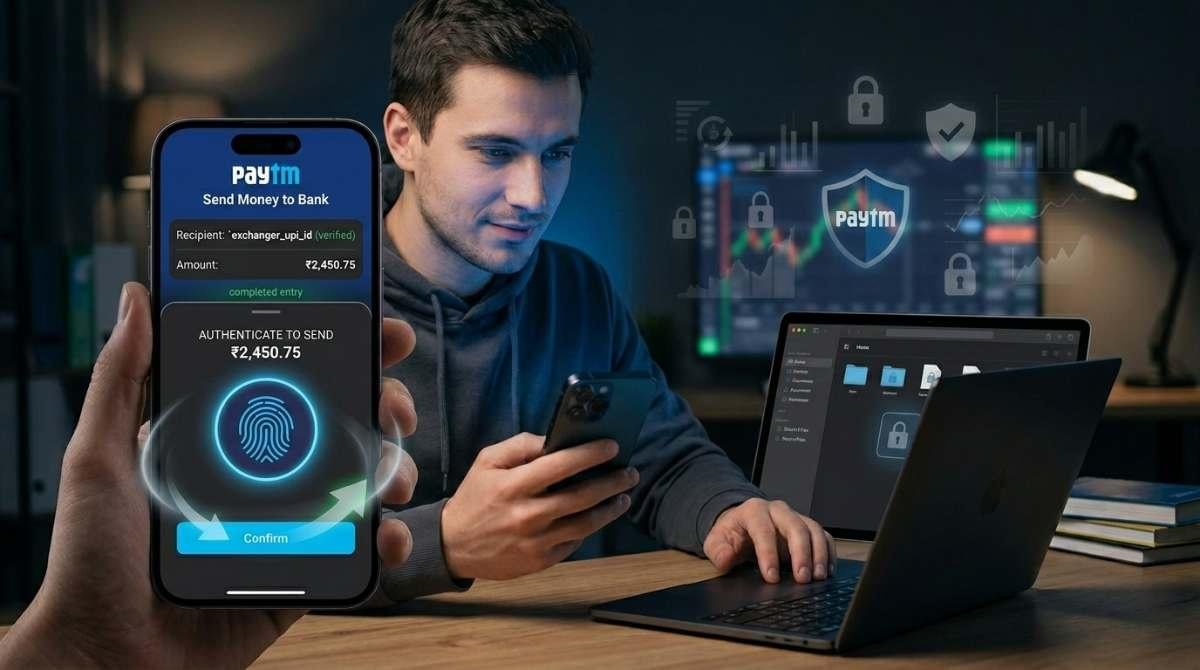
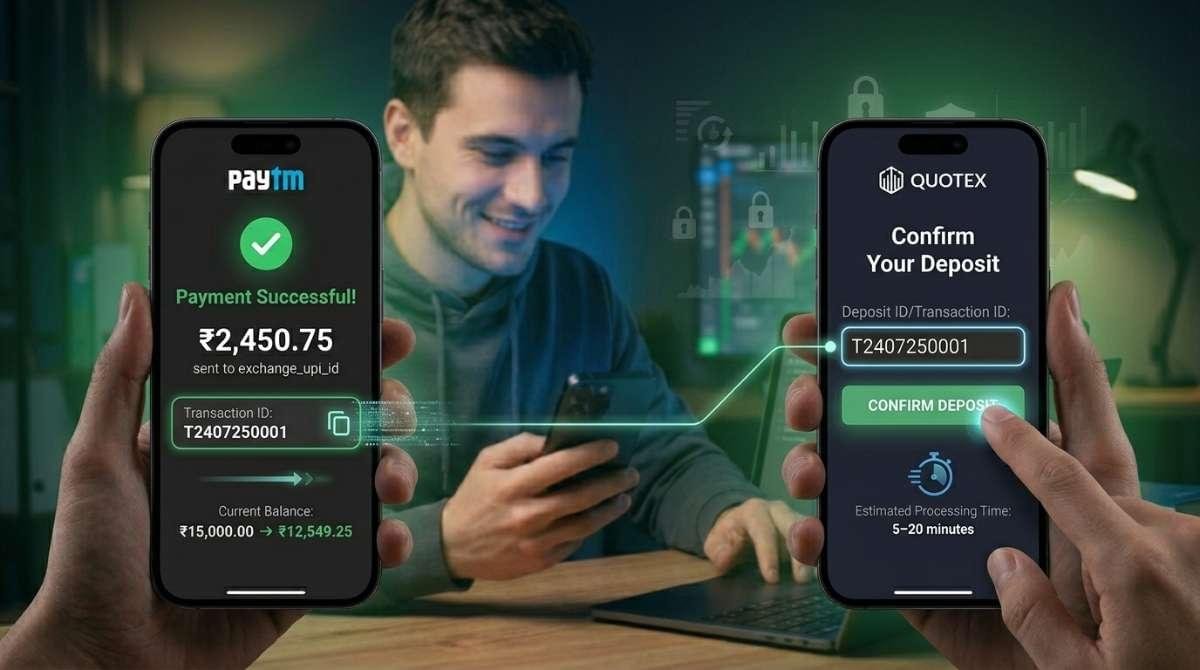
Step 4: Pay Using Paytm / PhonePe / GPay. Open your preferred app (Paytm, PhonePe or Google Pay), go to Send Money / UPI, paste the exchanger’s UPI ID or mobile number shown by Quotex, enter the exact INR amount, and confirm payment with your PIN or biometric.
Step 5: Copy Transaction ID and Confirm in Quotex. After successful payment, copy the Transaction ID or UTR from your app. Return to Quotex, paste it in the transaction field, tap Confirm. Your balance updates within 5-20 minutes.
🪙 USDT / Crypto
Create and Verify Your Binance Account
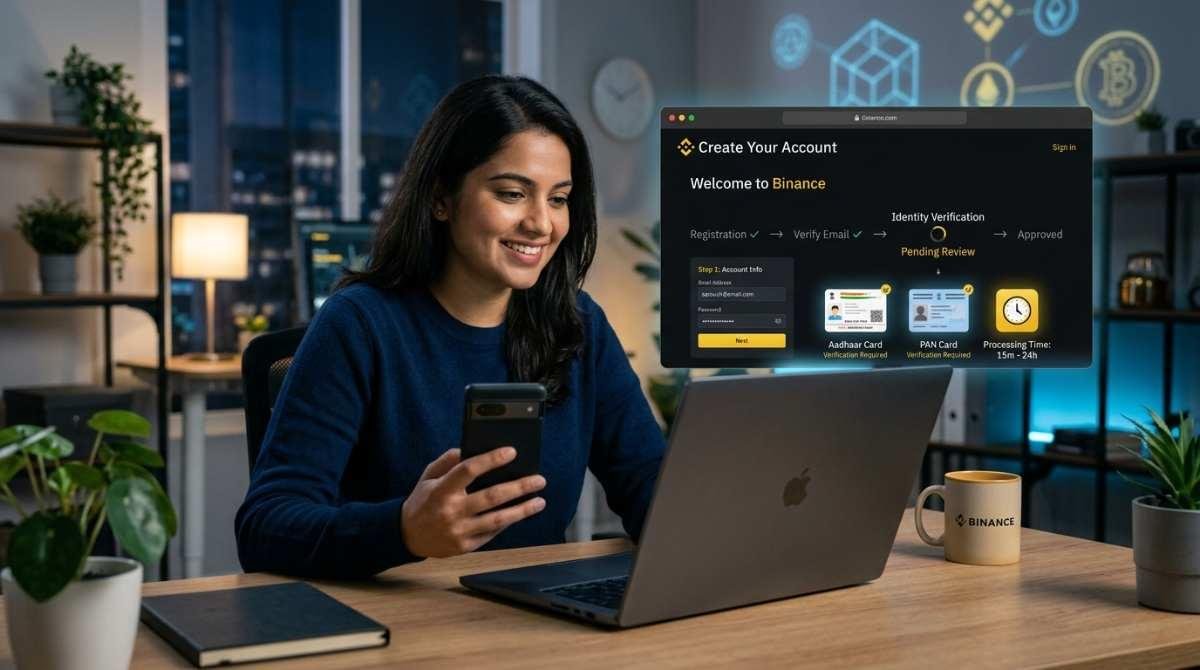
Visit binance.com and create an account using your email. Complete full KYC verification using your Aadhaar Card or PAN Card. Verification takes 15 minutes to 24 hours depending on the queue. Binance is the most reliable P2P platform for Indian traders buying USDT.
Buy USDT via Binance P2P Using UPI or IMPS
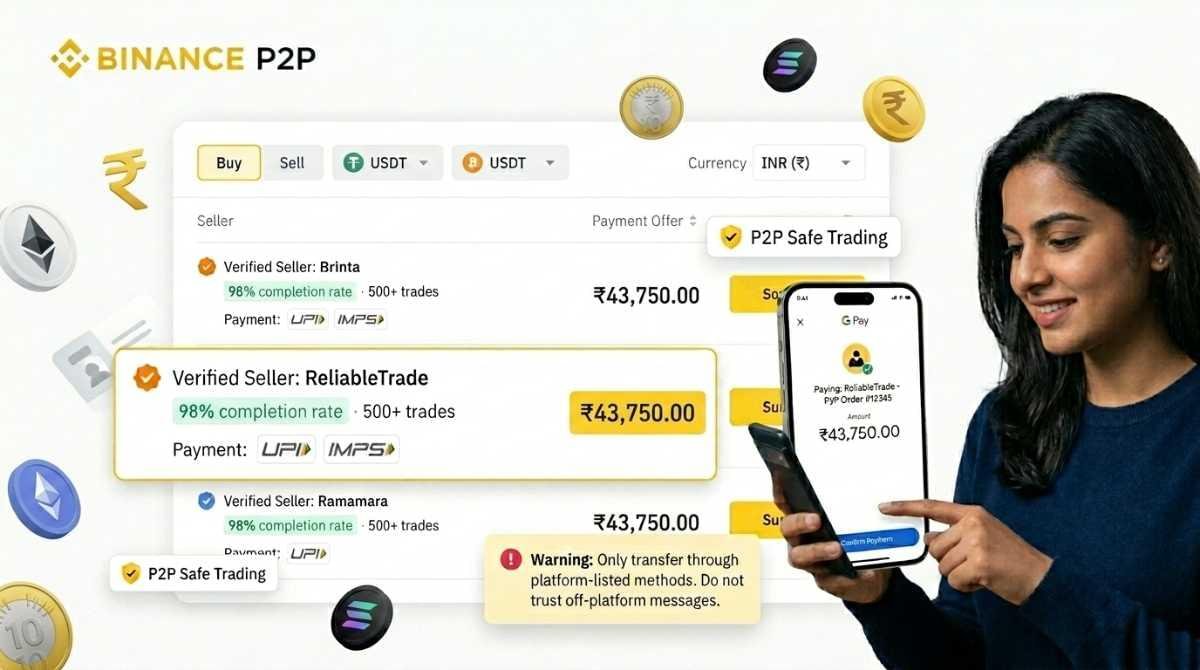
In Binance, go to Trade → P2P Trading. Select USDT, set currency to INR, and filter payment methods for UPI or IMPS. Choose a seller with 500+ completed trades and 98%+ completion rate. Complete the INR payment via your UPI app and wait for the seller to release USDT.
Confirm USDT Balance in Binance Spot Wallet
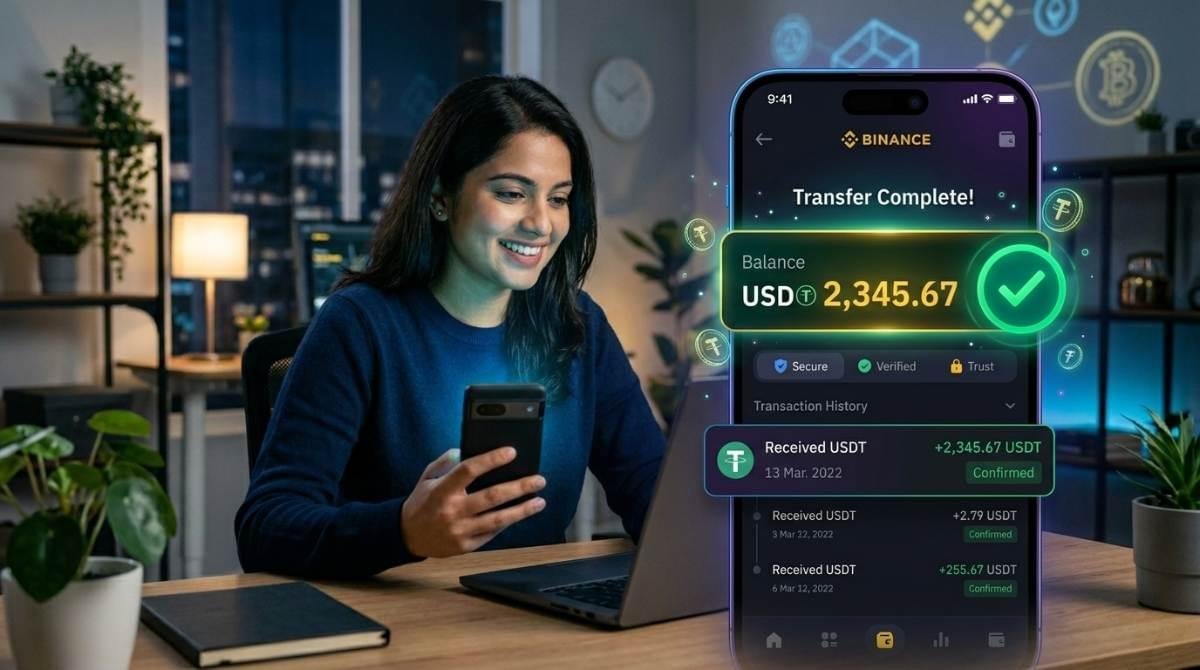
After the seller releases USDT, check your Binance Spot Wallet to confirm the USDT balance has been credited. Verify the amount is correct before proceeding to the Quotex transfer step.
Get Your Quotex USDT TRC-20 Deposit Address
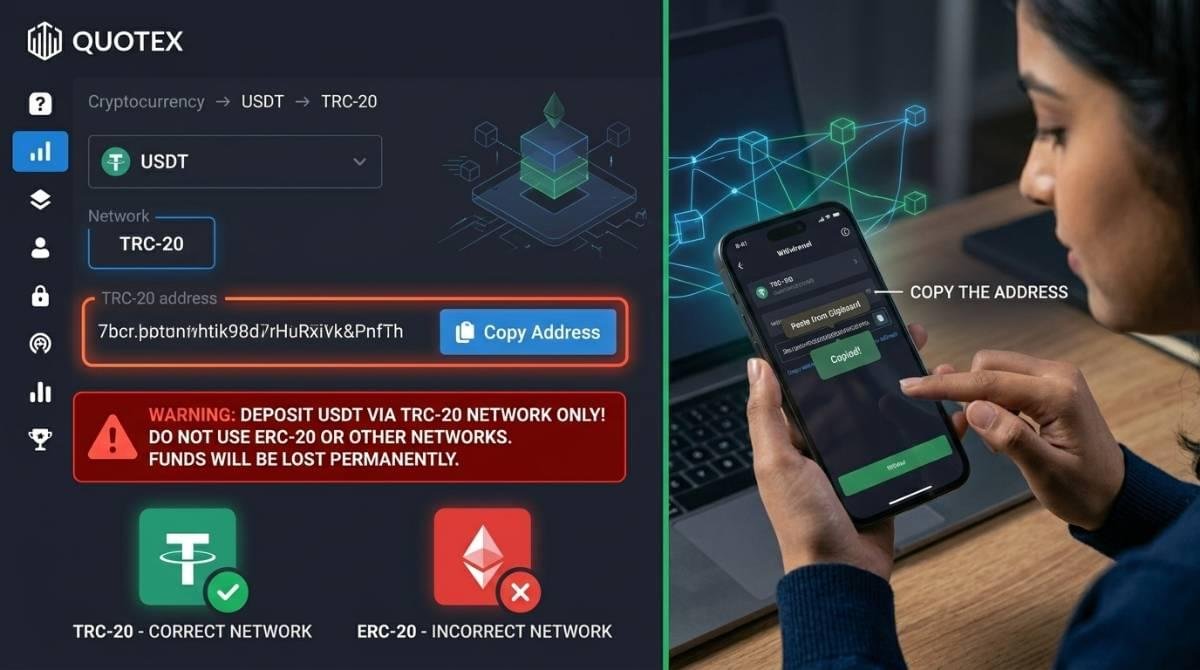
Log into Quotex and go to Deposit → Cryptocurrency → USDT → TRC-20 Network. A unique wallet address will be displayed. Copy this address using the copy button — this is where you will send your USDT from Binance.
Withdraw USDT from Binance to Quotex Wallet
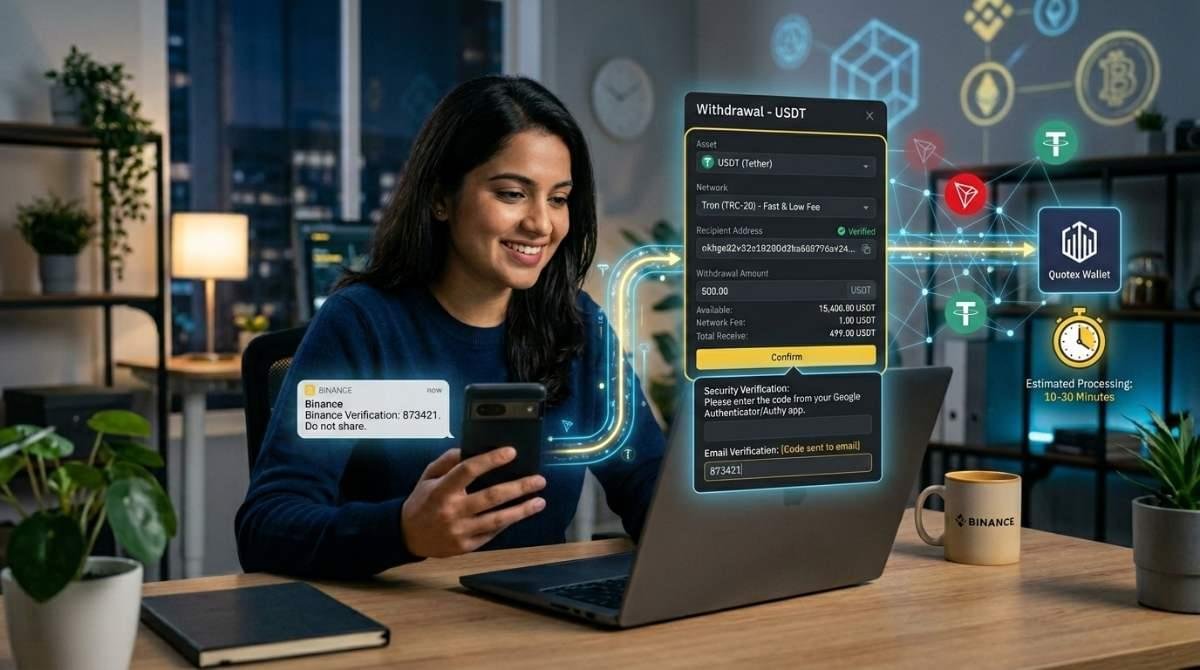
In Binance, go to Wallet → Withdraw → USDT. Select TRC-20 (TRON) network. Paste your Quotex deposit address, enter the amount, and confirm with your 2FA code. Funds typically arrive in your Quotex account within 10 to 30 minutes.
Card (Visa/Mastercard)
Enable International Transactions on Your Card
Log in to your bank app, open Card Settings, enable international online transactions. Some banks require a call or branch visit. Activation takes up to 24 hours.
Go to Deposit and Select Visa/Mastercard
Log in to Quotex and tap the Deposit button. From the payment methods, select Bank Card or Visa / Mastercard to open the card payment form.
Enter Your Card Details and Amount
Enter your 16-digit card number, expiry date (MM/YY), CVV, and the deposit amount in USD. Ensure your full name is entered exactly as it appears on your card to avoid authorization failures.
Complete OTP Verification (3D Secure)
Your bank will send a One-Time Password (OTP) to your registered mobile number via SMS. Enter the OTP correctly within the time limit shown (usually 5-10 minutes) to authorize the international card transaction through the 3D Secure system.
Verify Balance and Transaction Confirmation
After OTP verification, funds usually appear instantly or within hours. Check bank SMS or email for confirmation. If declined, verify your card’s international daily spending limit.
IMPS / NEFT Bank
Select Bank Transfer Option in Quotex Deposit
Log into, open Deposit page, select Bank Transfer in E-Payment. View exchanger bank details including account number, IFSC code, and exact INR amount to transfer.
Transfer Funds via Your Bank’s IMPS or NEFT
Log into your banking app, choose IMPS (instant, under ₹2 lakh) or NEFT (same-day). Enter provided account number, IFSC, and exact INR amount from Quotex.
Note Your Bank UTR Number
After transfer, get your UTR number. Return to Quotex deposit, enter it as transaction ID, and confirm. Processing takes 15–60 minutes (IMPS) or 1–4 hours (NEFT).
7 Tips for Smooth Quotex Deposits
Complete Quotex KYC Before Depositing
Verify your identity on Quotex using your Aadhaar, PAN, or Passport before making your first deposit. Unverified Indian accounts face withdrawal blocks that only surface when you try to cash out profits completing KYC upfront avoids this entirely.
Always Verify Crypto Network Before Sending
Double-check that the network you select in Binance (TRC-20) exactly matches what Quotex shows for your deposit address. Sending USDT on the wrong network, for example ERC-20 to a TRC-20 address results in permanent, unrecoverable fund loss.
Screenshot Every Transaction You Make
Save a screenshot of every UPI payment success screen, Binance withdrawal confirmation, and Quotex deposit confirmation. Your transaction ID and payment screenshot are your only evidence in case of delays or disputes — keep them organized by date.
Use Only Verified P2P Exchangers
For UPI-to-Quotex and crypto purchases on Binance P2P, always choose sellers with 500+ completed trades and 98%+ completion rates. Avoid any exchanger promoted on Telegram groups, WhatsApp, or Facebook without verifiable trade history and independent reviews.
Check the Exchange Rate Before Every Deposit
Your UPI exchanger or bank applies their own INR/USD conversion rate — not the interbank mid-market rate. Calculate your actual INR cost before confirming to avoid rate-shock surprises. USDT TRC-20 typically offers the most transparent exchange rate calculation.
Avoid Bank-Based Deposits on Holidays and Weekends
Card and bank transfer deposits initiated on Indian government holidays or weekends can face processing delays. NEFT is not available on 2nd and 4th Saturdays and Sundays. Use UPI via exchanger or USDT crypto for weekend and holiday deposits — both process 24/7.
Enter Your Bonus Code Before First Deposit
If you have a Quotex promotional code or welcome bonus code, enter it during registration or at the deposit screen before confirming your first deposit. The welcome bonus of up to 30% is only applied to the first deposit and cannot be claimed retroactively after funds are credited.
7 Problems & Exact Fixes
Card Declined Immediately — “Transaction Failed” Error
Most Likely Cause: International online transactions are not enabled on your card, or your card’s international daily spending limit has been reached.
Fix for India: Log in to your bank app and enable “International Online Transactions” in Card Controls. For SBI cards, call 1800-425-3800. For HDFC call 1800-202-6161. Also check if your card has a separate international daily limit that may be lower than your domestic limit.
OTP Not Received After Card Payment Attempt
Most Likely Cause: Your registered mobile number with the bank is outdated, not receiving SMS, or the network is congested.
Fix for India: Verify your registered mobile number through your bank app under Account Settings. If the number is wrong, visit the bank branch to update it. Try the transaction again on a stable 4G/5G network. DND (Do Not Disturb) services can block OTP SMS — check with your telecom provider if DND is active on banking alerts.
UPI Payment Done But Quotex Account Not Credited
Most Likely Cause: The transaction ID was entered incorrectly, or the P2P exchanger is processing your order (typical processing: 5–30 minutes during peak hours).
Fix: Verify your UPI app shows “Success” — not “Pending” or “Failed.” Check the exact transaction ID was entered without extra spaces. Wait 30 minutes before contacting support. If still not credited, contact Quotex support with your transaction ID, amount, payment screenshot, and registered email.
USDT Crypto Deposit Not Appearing After 1 Hour
Most Likely Cause: Wrong network selected (ERC-20 sent to TRC-20 address), blockchain congestion, or pending confirmations.
Fix: Copy your withdrawal transaction hash (TXID) from Binance and check it on TRONSCAN (for TRC-20). If confirmed on-chain but not credited, contact support with TXID. If sent on the wrong network, recovery is rare and may take weeks.
Binance P2P Seller Not Releasing Crypto After Payment
Most Likely Cause: Seller delay, dispute attempt, or system lag.
Fix: Wait the countdown timer (usually 15 minutes). If not released, click “Appeal” inside the Binance P2P order page. Do not cancel the order. Never pay outside Binance or through WhatsApp/Telegram — this is fraud.
Quotex Deposit Page Not Loading in India
Most Likely Cause: ISP restrictions or browser cache issues.
Fix: Clear browser cache and cookies. Try incognito mode or switch browsers. If still not working, use a VPN (Singapore/UAE). Note that VPN use does not change legal status under Indian regulations.
Deposit Successful But Cannot Trade
Most Likely Cause: Incomplete KYC verification.
Fix: Go to Profile → Verification and submit your Aadhaar Card, PAN Card, or Passport. Add address proof like a bank statement or utility bill. Verification usually completes within 24–48 hours, after which trading and withdrawals are unlocked.
Ready to Quotex Deposit
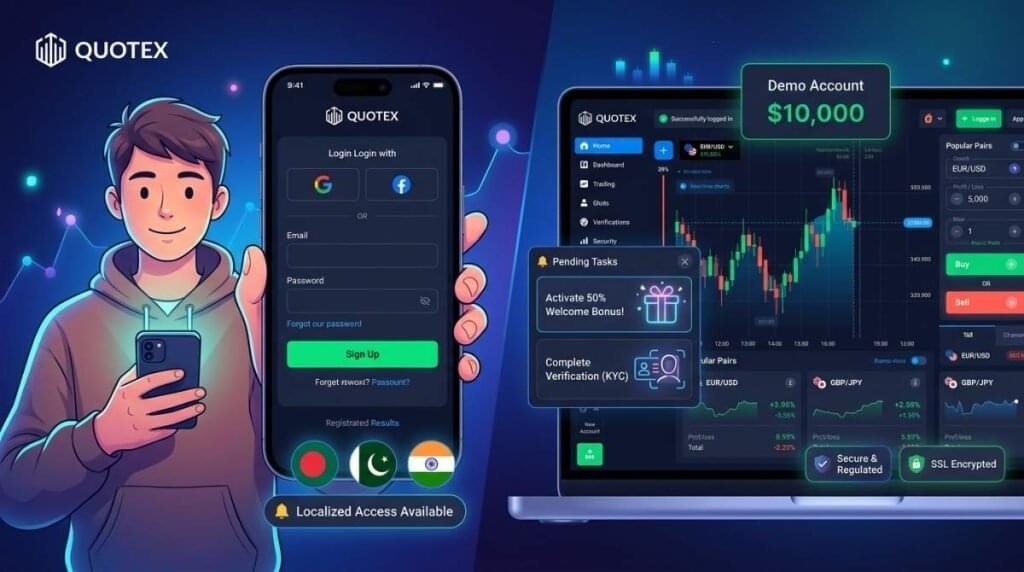
Follow our step-by-step guide, use the video tutorials, and choose the method that works best for you. Start with the free ₹0 demo account before depositing real money.
Frequently Asked Questions
The minimum deposit on Quotex from India is approximately ₹850 ($10 USD). The exact INR amount may vary based on exchange rates at the time of deposit.
Yes. You can deposit using UPI through P2P exchangers like PhonePe, Google Pay, or BHIM UPI. The process usually takes 5 to 15 minutes.
Quotex does not charge deposit fees. However, third-party services like exchangers, banks, or crypto networks may apply fees or spreads.
UPI deposits take 5–15 minutes, USDT TRC-20 takes 10–30 minutes, cards are instant to a few hours, and bank transfers may take up to several days.
SSL encryption for transactions. However, it is not regulated in many regions, so deposits may not be protected by local financial authorities.
Check your payment status and collect your transaction ID. If not credited, contact Quotex support with proof of payment and details.